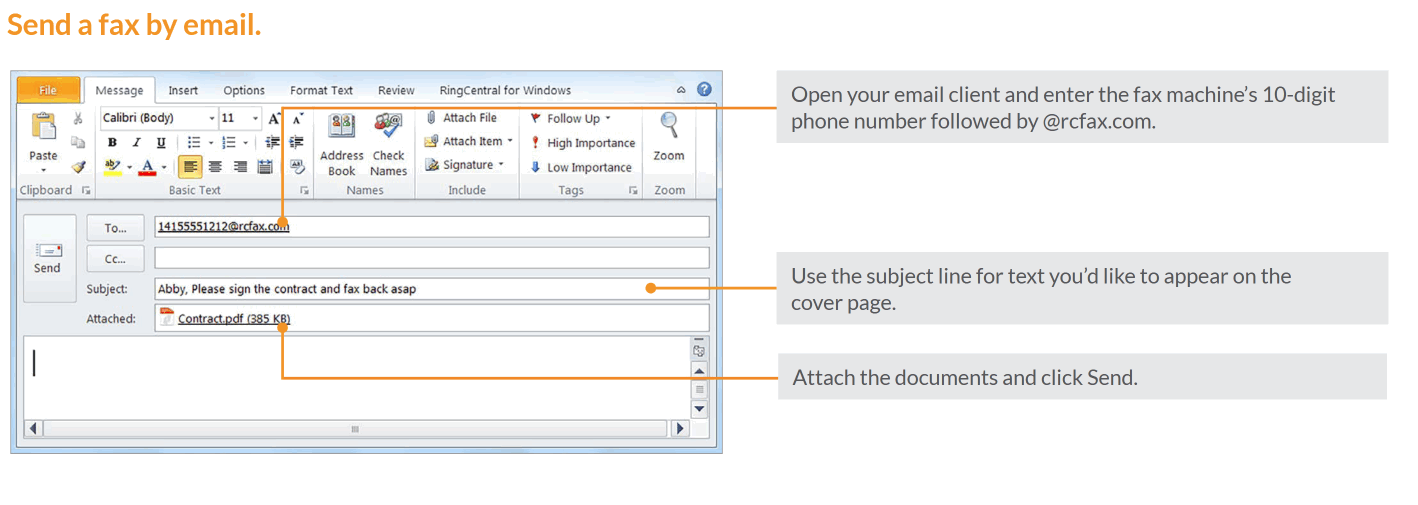
- Open Outlook and enter the fax machine’s 10-digit phone number followed by @rcfax.com
- Use the subject line for text you’d like to appear on the
cover page. - Attach the documents and click Send.
Was this article helpful?
That’s Great!
Thank you for your feedback
Sorry! We couldn't be helpful
Thank you for your feedback
Feedback sent
We appreciate your effort and will try to fix the article